Your Entertainment, Unleashed.
The most elegant media player for your smart devices. Connect your playlists instantly and dive into a lag-free, premium streaming experience.
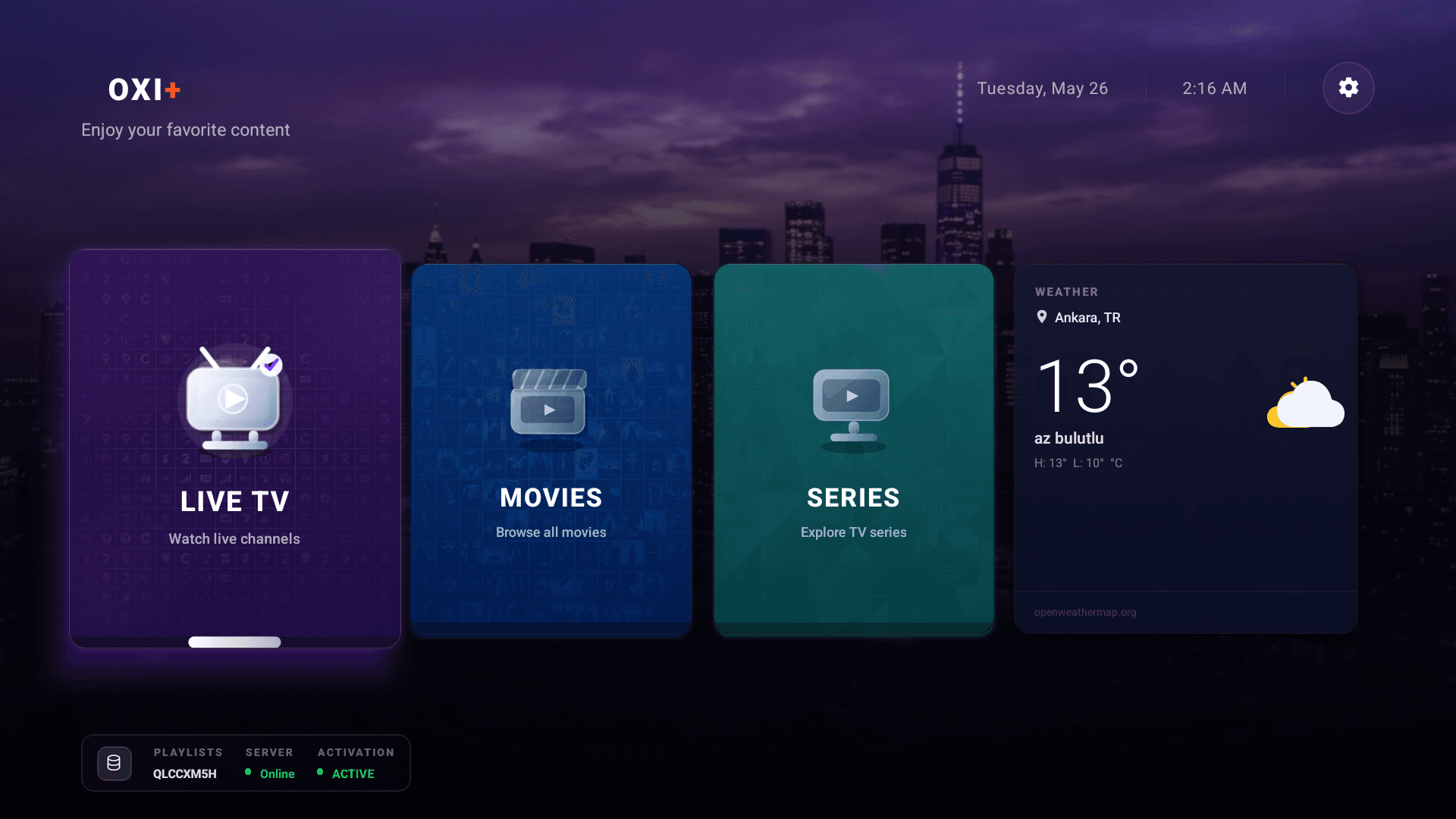
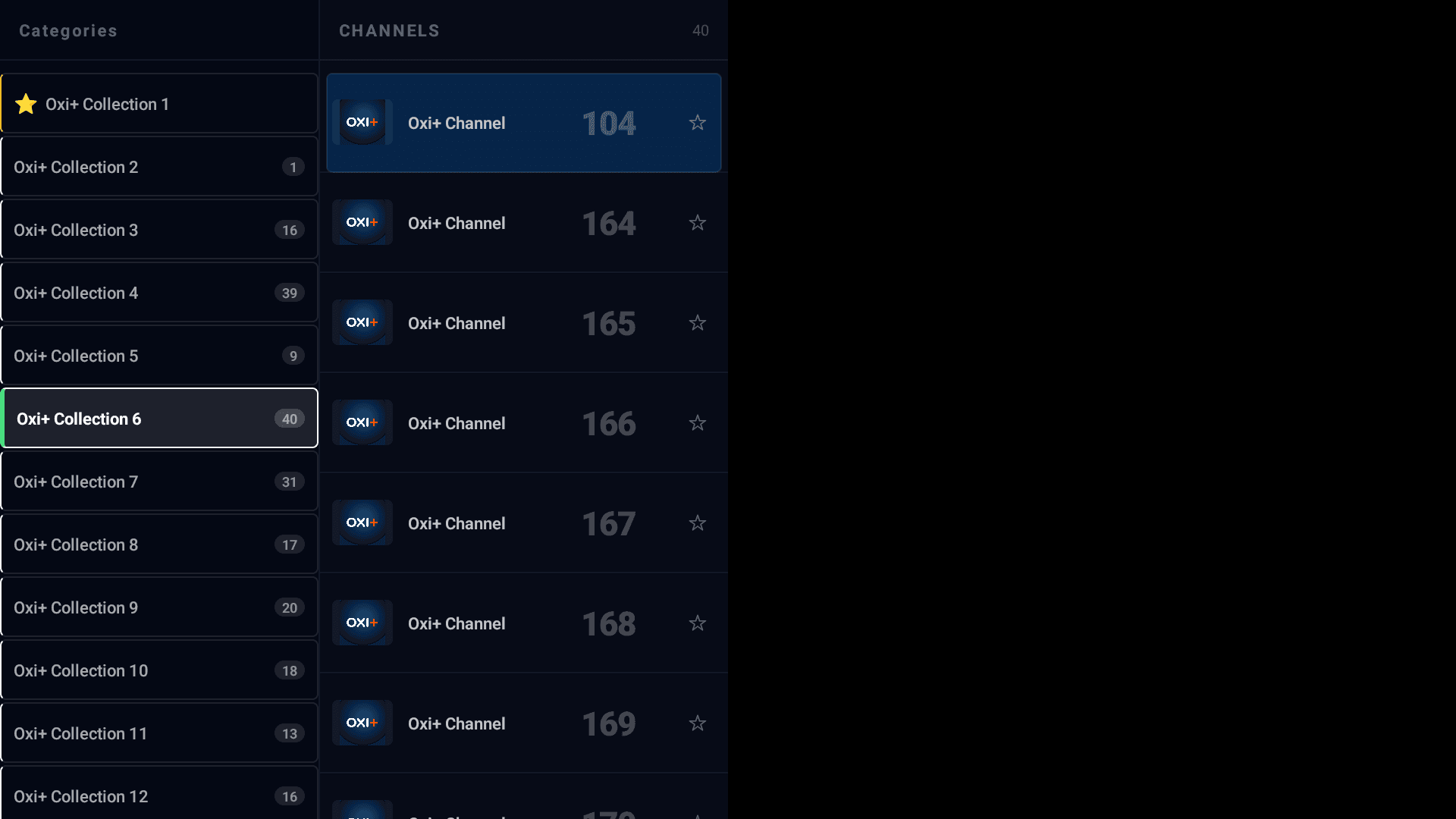

IMPORTANT NOTICE: OxiPlus does not provide, host, or stream any media content. Users must connect their own media servers or playlists (Plex, Jellyfin, Emby, M3U).
Built for Performance
Everything you need, nothing you don't.
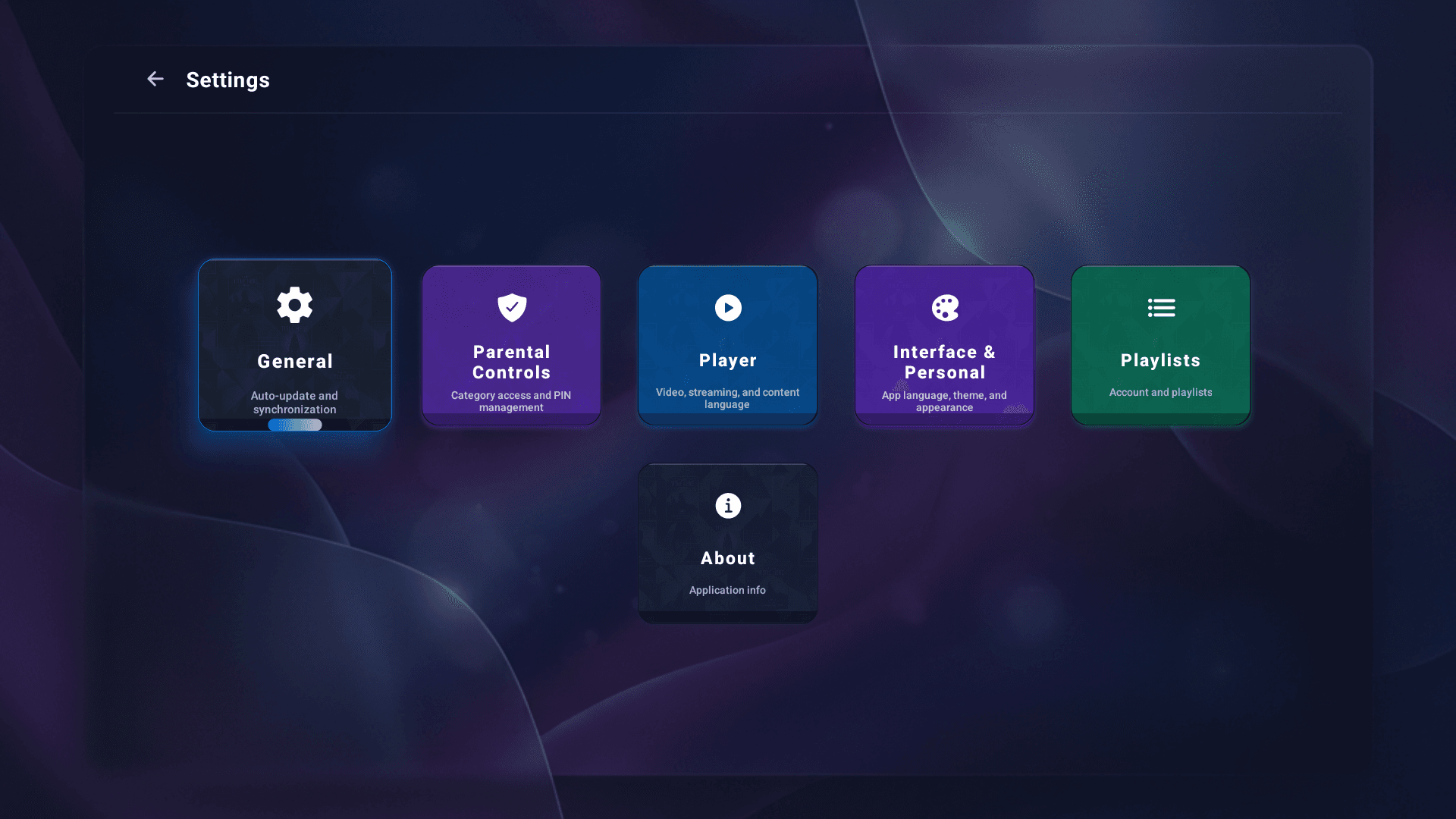
TV First Design
Optimized specifically for large screens and remote control navigation. Enjoy your content without awkward UI.
Lightning Fast
Say goodbye to buffering and slow UI navigation.
Privacy Focused
We host NO content. Your playlists stay locally on your device.
Cross-Platform Sync
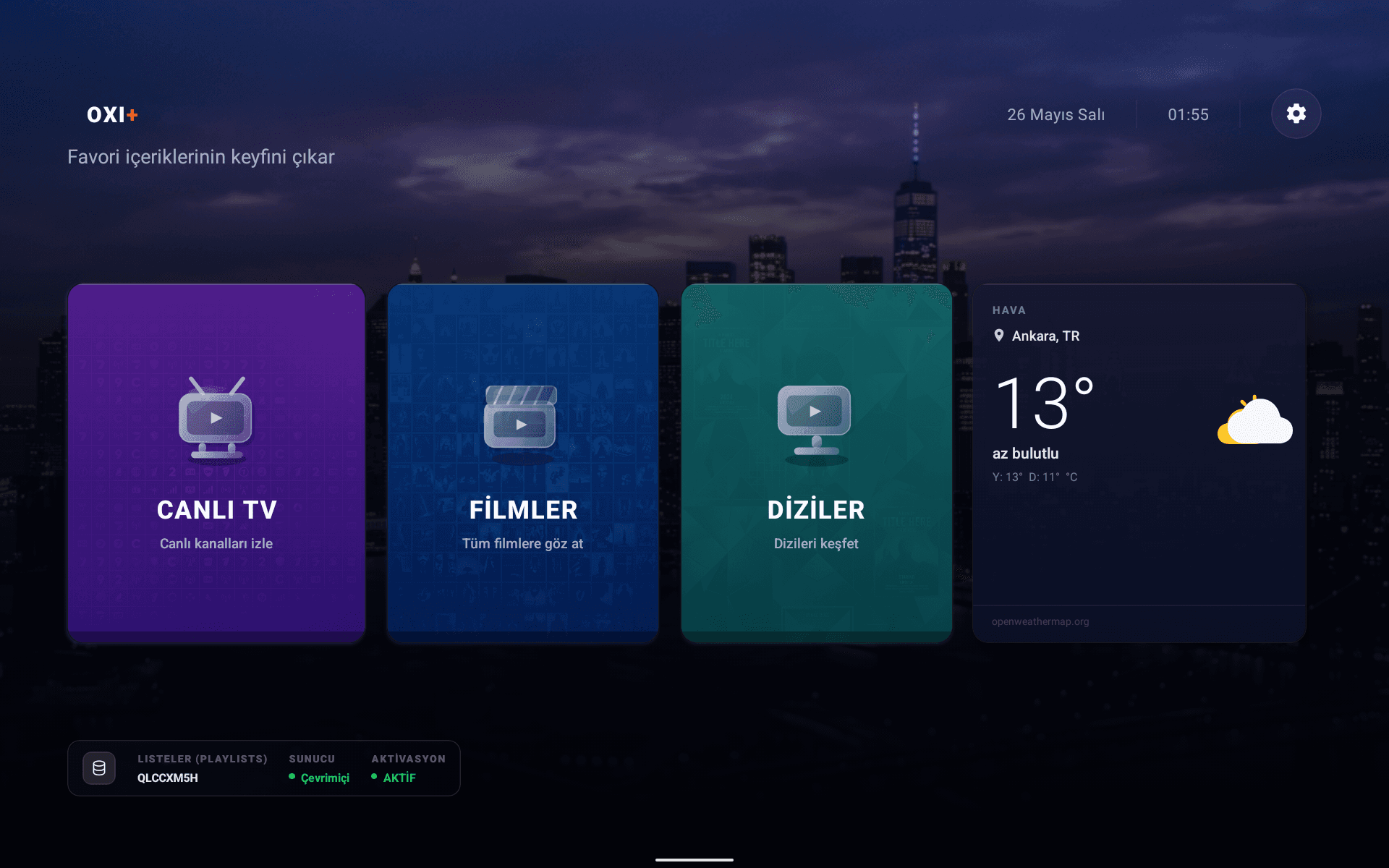
Available on Smart TVs (Android, webOS, Tizen), iOS, Tablets, and Mobile. Your experience is consistent and beautiful no matter what screen you use.
Stunning Interface
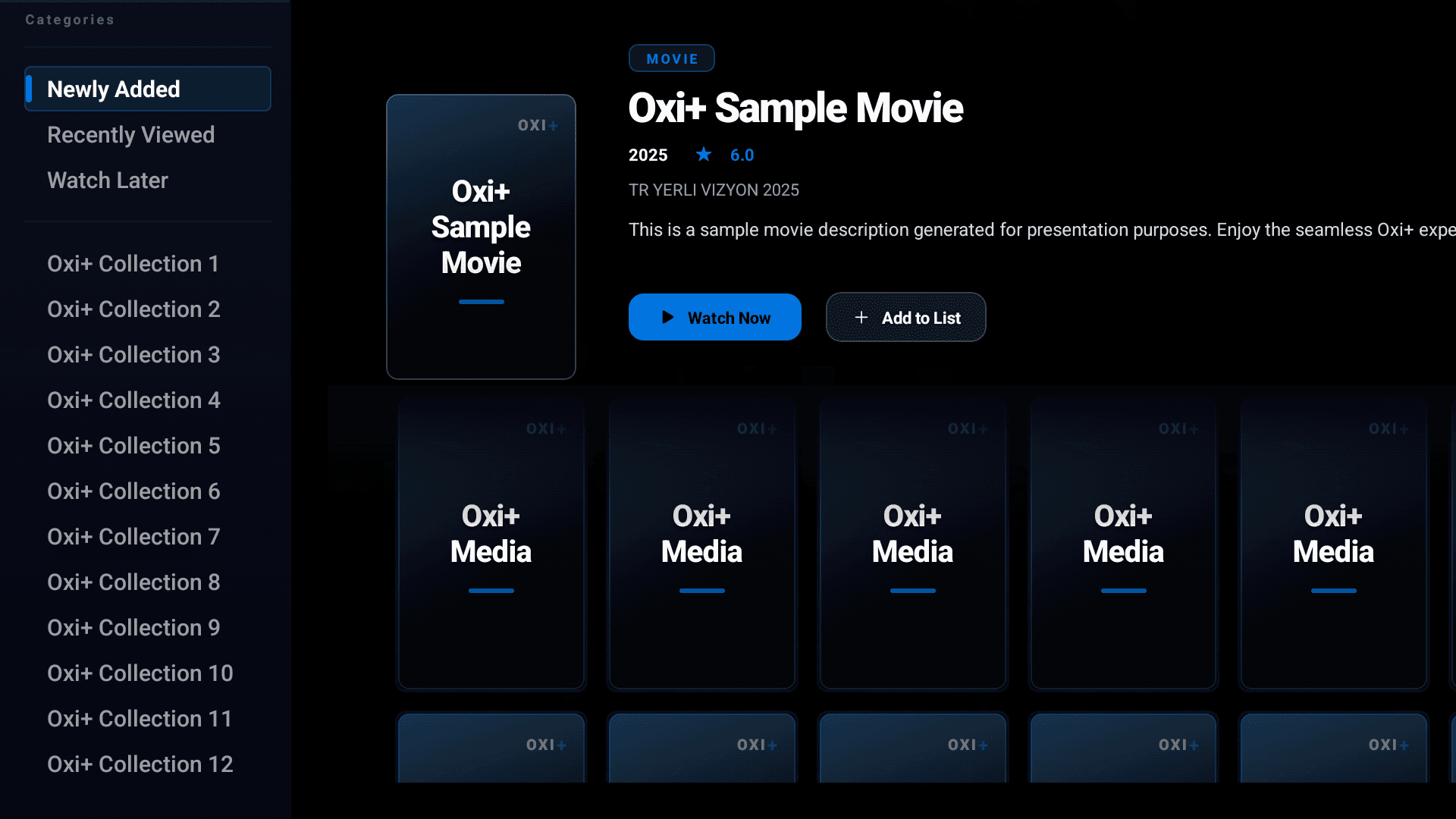
Enjoy a seamless and modern user experience designed for all your devices.
How It Works
Get started in 3 simple steps. No complex configuration required.
1. Download & Install
Search and install the OxiPlus app on your Smart TV or Android device in seconds.
2. Get Activation Code
Open the app to see your unique device credentials or purchase an activation code online.
3. Upload & Stream
Connect your media server or playlist (Plex, Jellyfin, Emby, M3U) in our activation portal and start watching immediately!
Advanced Playback Options
Why OxiPlus is the ultimate choice for your streaming needs.
100% Privacy First
Your playlist links and streams are processed locally on your device. We never store or track your media data.
Premium Parental Control
Easily lock or hide specific folders, groups, or adult channels with a secure pin code.
Multi-Playlist Support
Load and organize multiple playlists from different providers and switch between them seamlessly.
Subtitles & Multi-Audio
Perfect synchronization for embedded subtitles, external SRT tracks, and multi-language audio streams.
Frequently Asked Questions
Everything you need to know about OxiPlus.
No. OxiPlus is a pure media player application. We do not host, sell, or stream any media. You must upload your own playlist.
As soon as you install and launch the OxiPlus app for the first time, your 7-day unlimited trial starts automatically. No payment details required.
Yes. In case you purchase a new TV or change devices, you can transfer your license key through our support desk with your proof of purchase.
We support Android TV, Google TV, LG webOS, Samsung Tizen, iOS, Apple TV, Android Boxes, Firestick, Tablets, and Phones.
Ready to upgrade your TV?
Download the OxiPlus app on your iOS or Android devices today. WebOS and Tizen versions coming soon.
100% secure direct download